Many people approach an AI Video Generator with a very specific expectation: upload something, click generate, and instantly get a polished video ready for publishing.
The reality tends to be quieter and more gradual.
Most beginners don’t adopt AI video tools through a single “wow moment.” Instead, they keep testing small tasks until something starts saving real time. For many solo creators and social media managers, the first month becomes less about creating perfect videos and more about figuring out where AI fits into their workflow at all.
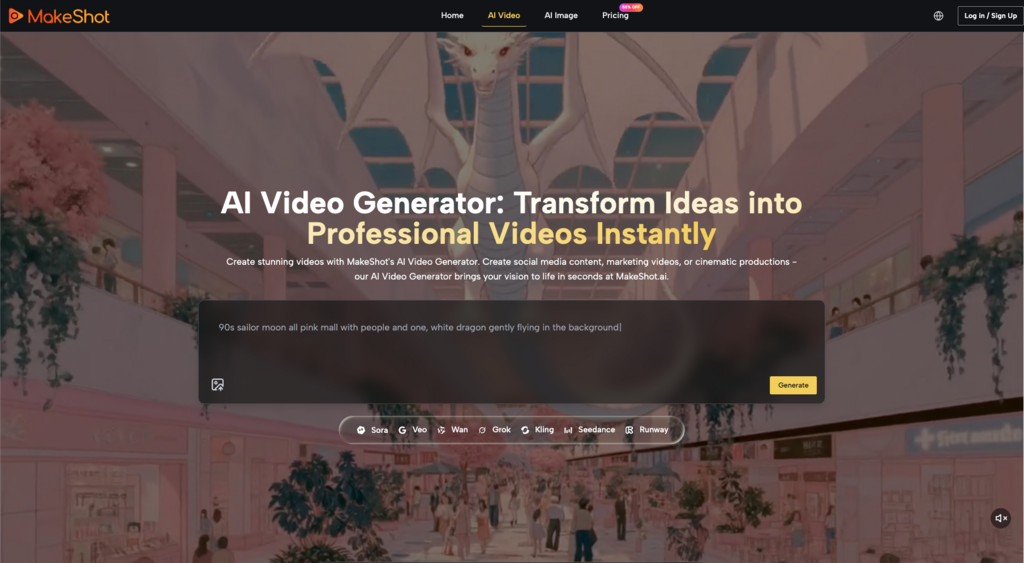
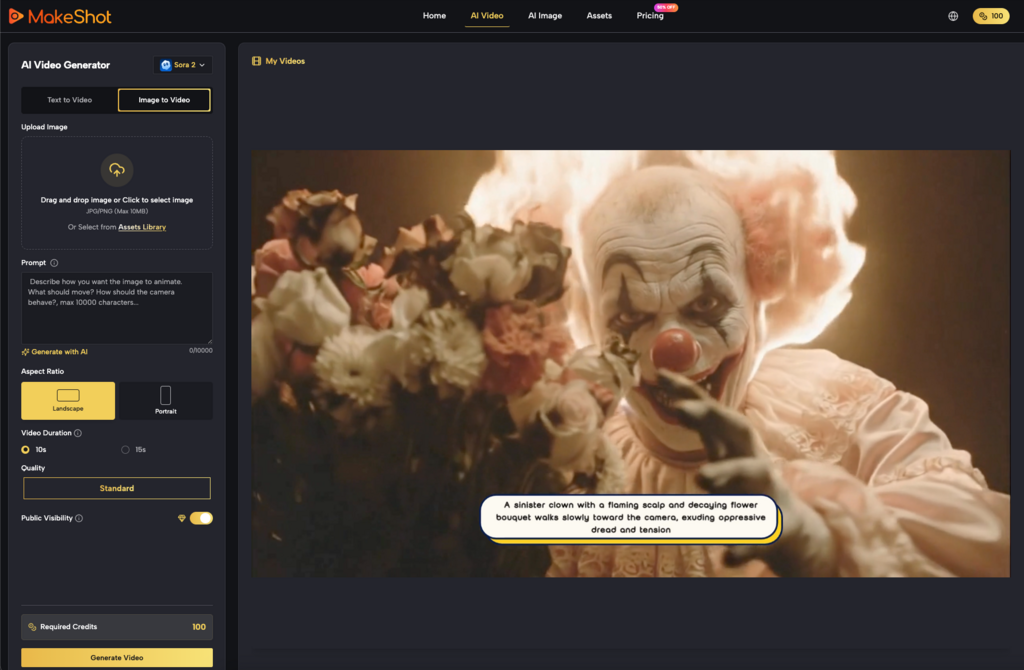
Platforms like MakeShot, which combine multiple models such as Veo 3, Sora 2, and the Nano Banana system inside one environment alongside an AI Image Creator, highlight this early exploration phase well. Having several generation approaches available doesn’t immediately simplify the process—but it does reveal how different AI tools behave.
And that learning curve is usually where the real adoption story begins.
The First Surprise: Generating Video Is Easier Than Deciding What to Generate
The technical step of producing a clip with an AI Video Generator is often simpler than expected.
What surprises beginners more is the creative decision-making before generation even starts.
Many users initially try broad prompts such as:
- “A cinematic city shot”
- “A product promo video”
- “A social media ad”
The results can look visually interesting but often lack clear purpose. The clip might be attractive but difficult to use in an actual post, advertisement, or content series.
After a few attempts, people begin narrowing their prompts toward specific goals:
- a 5-second product reveal
- a looping background clip for social content
- a visual intro to a short video
That shift—from experimenting with visuals to solving small content tasks—is when an AI Video Generator begins to feel practical rather than experimental.
Tools like MakeShot, which allow switching between models such as Veo 3 and Sora 2, reinforce this process. Users quickly notice that different models may produce slightly different motion styles, pacing, or visual interpretations. Rather than replacing creative judgment, the tool simply expands the range of starting points.
Early Expectations vs. What Actually Works
In the beginning, most users expect AI to produce finished videos.
But the more realistic role of an AI Video Generator often turns out to be something closer to visual prototyping.
Instead of generating final assets, people start using AI for early-stage materials such as:
- concept visuals for social posts
- quick background clips
- animated placeholders during editing
- short motion loops
This reframing reduces frustration significantly.
What beginners expect AI video tools to do
- produce ready-to-publish marketing videos
- replace editing tools
- eliminate the need for visual planning
What they often end up using them for
- testing visual directions quickly
- generating short supporting clips
- exploring different visual styles before committing to production
The shift matters because it changes how people evaluate an AI Video Generator. Instead of asking “Is this video perfect?”, the more useful question becomes:
“Did this save me time during the creative process?”
When the answer becomes yes—even occasionally—the tool starts to justify its place in the workflow.
Why Image Generation Often Becomes the Hidden Entry Point
Interestingly, some beginners find themselves using an AI Image Creator more frequently than the video generator at first.
This happens because images provide clearer control.
If the generated visual looks wrong, it’s easier to diagnose the issue. Motion, on the other hand, introduces more variables: timing, camera movement, pacing, and transitions.
Platforms like MakeShot make this relationship visible because image and video generation exist side by side. Someone might begin with an AI Image Creator, experiment with visuals, and only later convert those ideas into motion using an AI Video Generator.
Over time, users start combining both.
A typical beginner workflow might look like this:
- Generate a visual concept using the AI Image Creator
- Adjust style or composition until it feels usable
- Move to video generation for motion testing
- Export a short clip for editing or social posting
Systems like Nano Banana, which appear within multi-model environments, reinforce this layered experimentation. Each tool contributes a small part of the creative process rather than solving everything in one step.
This layered workflow tends to feel more sustainable than expecting an AI Video Generator to do everything.
What a Realistic First Month with an AI Video Generator Looks Like
The first month with an AI Video Generator rarely produces dramatic creative breakthroughs.
Instead, users tend to move through a pattern of small discoveries.
Week 1: Curiosity and random experiments
People test prompts with little structure.
Typical thoughts:
- “Can it generate cinematic scenes?”
- “What happens if I describe a product?”
- “How realistic does motion look?”
Results feel interesting but difficult to apply directly to real content.
Week 2: Discovering usable clip types
Users begin noticing patterns.
Some outputs are consistently easier to reuse:
- background motion clips
- atmosphere shots
- looping visuals for social posts
At this stage, the AI Video Generator starts feeling less like a novelty and more like a content ingredient.
Week 3: Learning prompt constraints
People start refining instructions.
Instead of vague descriptions, prompts become more task-oriented:
- “short product showcase clip”
- “5-second looping background animation”
- “simple camera motion”
This stage often produces the first clips that actually appear in published content.
Week 4: Integrating AI into a workflow
Only after several weeks do many users develop a repeatable process.
For example:
- Idea sketch or visual reference
- Generate supporting imagery using an AI Image Creator
- Produce short clips with an AI Video Generator
- Assemble everything in editing software
The AI tool becomes part of the content preparation stage, not the entire production system.
Models such as Sora 2 and Veo 3, accessible in platforms like MakeShot, make it easier to test different styles during this phase, but the workflow logic remains the same: AI assists the early stages rather than replacing the full creative process.
Where AI Video Generators Still Require Human Judgment
Despite rapid improvements, an AI Video Generator still leaves several creative decisions unresolved.
These tend to include:
- pacing and storytelling
- brand consistency
- narrative clarity
- editing structure
AI can generate visually appealing motion, but deciding why the clip exists still belongs to the user.
For instance, a generated scene may look cinematic yet feel disconnected from the surrounding content. Beginners often learn this after trying to integrate AI clips into real posts or advertisements.
In those moments, the tool becomes less about generating impressive visuals and more about producing raw creative material.
That distinction can be subtle, but it changes how people approach technology.
When users accept that the AI Video Generator is part of the toolkit rather than the entire solution, the experience usually becomes far less frustrating.
A More Practical Way to Evaluate AI Video Tools
Rather than asking whether AI can replace traditional video production, beginners often benefit from asking a simpler question:
Which small tasks does this tool make easier?
For many creators, the answer eventually includes things like:
- generating quick visual ideas
- creating background motion
- testing concepts before filming
- filling small gaps in content
Platforms that combine multiple systems—like MakeShot, which brings together models such as Sora 2, Veo 3, and Nano Banana—make these small tasks easier to explore because users can compare outputs without switching environments.
But the tool itself is rarely the full story.
The real value appears when users gradually learn where AI actually helps.
And that discovery tends to happen slowly—through small experiments, imperfect outputs, and a lot of curiosity during the first month.
For most people, that’s when an AI Video Generator stops feeling like a novelty and starts becoming a practical creative assistant.