There’s a moment most beginners share, though few talk about it openly. You type a prompt into an AI image editor for the first time — something you’ve been picturing clearly in your head — and the result is… not that. It’s not bad, necessarily. Sometimes it’s surprisingly good in ways you didn’t expect. But it’s almost never what you envisioned.
That gap between expectation and output is where the real learning begins. And for small business owners exploring tools like Banana Pro AI for the first time, understanding that gap matters more than any feature list ever could.
This article isn’t a walkthrough or a product review. It’s about what the first few weeks of using an AI image generator tend to feel like when you’re a small business owner trying to solve real visual content problems — on a budget, without a design background, and without much time to spare.
The Problem Isn’t “How Do I Use This?” — It’s “What Should I Even Ask For?”
Most AI image tools, Banana Pro AI included, are straightforward to operate on a surface level. You type words. You get an image. The interface isn’t the barrier.
The barrier is prompt thinking.
Small business owners are used to briefing designers with context: “I want something clean, modern, maybe with green tones — here’s our brand deck.” That kind of fuzzy-but-directional communication works with humans. It doesn’t translate directly to an AI image editor.
What tends to happen in the first few sessions:
- Prompts are either too vague (“a professional-looking banner”) or too rigid (“a 45-degree angle shot of a white coffee mug on a marble counter with exactly two eucalyptus leaves”).
- The vague ones produce generic results. The rigid ones produce strange ones.
- Users start blaming the tool, when the real issue is a skill they haven’t built yet — describing visual intent in language an AI model can interpret.
This isn’t a flaw in the user. It’s a new literacy. And like any literacy, it develops through repetition, not instruction manuals.
What Small Business Owners Actually Use AI-Generated Images For (At First)
Here’s something I’ve noticed: people rarely start with their most important visual need. They start with the low-stakes stuff.
A social media post that needs a background image. A placeholder for a blog header. A quick visual for an internal presentation no client will ever see. These are the testing grounds — and they should be.
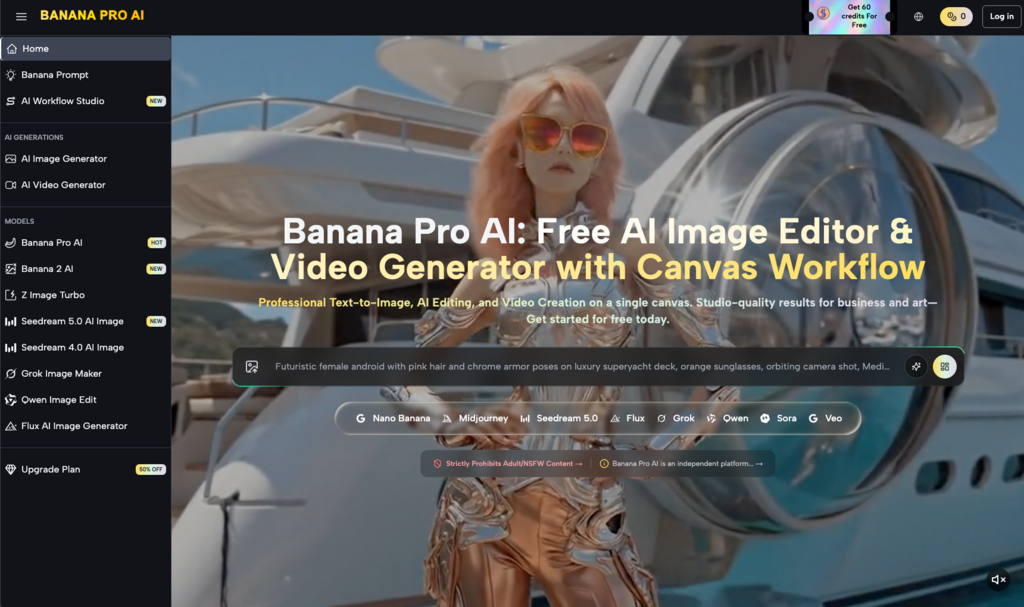
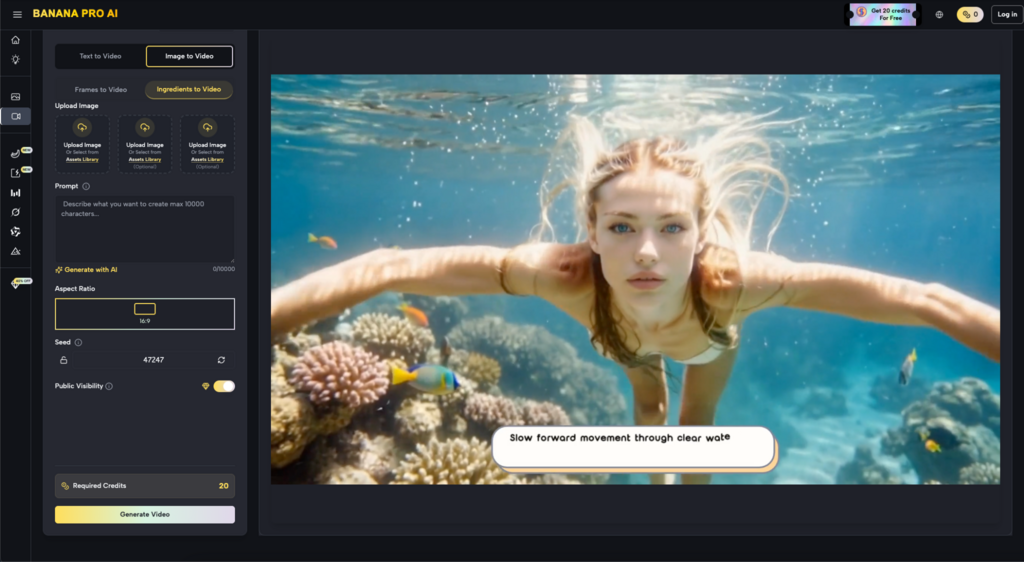
With a free tool like Banana Pro AI, which supports both text-to-image and image-to-image conversion, the entry cost is essentially zero. That changes the psychology of experimentation. You’re not committing a budget. You’re not waiting on a freelancer’s timeline. You’re just… trying things.
And in that trying, patterns emerge:
- Social content becomes the most common first use case, because the stakes are low and the volume needed is high.
- Product-adjacent visuals come next — not product photos themselves, but lifestyle imagery, mood boards, or concept art that supports a product story.
- Brand exploration sneaks in unexpectedly. Some users realize they can test color palettes, visual styles, or aesthetic directions faster through an AI image editor than through any other method.
The shift from “I need one specific image” to “I can explore ten directions in twenty minutes” is subtle, but it changes how people think about visual content planning entirely.
The Image-to-Image Feature Nobody Talks About Enough
Text-to-image gets all the attention. It’s the flashy part. But for small business owners who already have some visual assets — a product photo, a logo, a rough sketch — the image-to-image capability is often where Nano Banana and tools like it become genuinely useful in a workflow.
Why? Because it closes the gap between “what I have” and “what I wish I had.”
A real-world example of the kind of thing people try: uploading a flat, uninspired product photo and asking the tool to reimagine it in a different setting or style. The results aren’t always usable directly. But they often spark ideas that are usable — ideas the business owner wouldn’t have arrived at alone.
Where This Gets Tricky
Image-to-image isn’t magic. The output depends heavily on the input. A blurry, poorly lit source image tends to produce blurry, poorly lit variations. Users who expect the AI to “fix” fundamentally weak assets are usually disappointed.
The more productive mental model: think of it as a visual brainstorming partner, not a production tool. It’s better at expanding possibilities than at polishing final deliverables.
Three Things That Surprised Me After Using Nano Banana for a Few Weeks
I want to be honest about a few things that shifted my own perspective, because I think they’re common enough to be worth naming.
- Speed changes your standards — in both directions. When you can generate twenty images in the time it used to take a brief one, you become simultaneously more demanding (because you can afford to be selective) and more forgiving (because nothing feels precious). That’s a healthier creative relationship than most people have with visual content.
- The AI image editor doesn’t replace taste — it reveals it. You still have to choose which output works. And in making those choices repeatedly, you start to clarify your own visual preferences in ways you might not have articulated before. Small business owners who thought they “didn’t have an eye for design” often discover they do — they just never had a fast enough feedback loop to develop it.
- The biggest time savings aren’t in creation. They’re in decision-making. Before AI tools, deciding on a visual direction meant commissioning options, waiting, reviewing, requesting revisions. With Banana Pro AI, that entire cycle compresses into minutes. The image itself might still need refinement elsewhere, but the decision about what direction to pursue happens dramatically faster.
A Realistic Expectation Reset for the First Month
If you’re a small business owner considering whether an AI image editor fits into your workflow, here’s what the first month probably looks like — stripped of marketing language:
Week 1: You’ll experiment broadly, be impressed by some outputs, confused by others, and unsure how any of this fits your actual needs. This is normal.
Week 2: You’ll start narrowing. You’ll find one or two use cases where the tool saves you real time — probably social media graphics or quick concept visuals. You’ll also identify where it falls short for your specific needs.
Week 3: Prompt quality improves noticeably. You’ll develop shorthand for the styles and compositions that work for your brand. The tool starts feeling less like a novelty and more like a utility.
Week 4: You’ll have a clearer sense of where Nano Banana (or any similar tool) fits in your broader content workflow — and where it doesn’t. Some users integrate it permanently. Others use it situationally. Both outcomes are valid.
The key insight: the value of an AI image generator isn’t determined on day one. It’s determined by whether you’re still using it on day thirty, and for what.
What This Means for the Bigger Picture
Small business owners don’t need to become AI experts. They don’t need to master prompt engineering or understand diffusion models. What they need is a low-risk way to start building visual content fluency — and free tools like Nano Banana provide exactly that entry point.
The real shift isn’t technological. It’s behavioral. When generating a visual concept takes seconds instead of days, you stop treating every image as a high-stakes decision. You iterate more. You explore more. You develop opinions about your own brand’s visual identity that you might never have formed otherwise.
That’s not a revolution. It’s something quieter and arguably more useful — a new habit of visual thinking, built one imperfect generated image at a time.