The first time you paste a text description into an AI video tool and watch it render into something with actual motion, sound, and atmosphere — the feeling isn’t quite what you’d expect. It’s less “wow, this is magic” and more “huh, that’s not what I pictured — but also, how did it do that?”
That mix of mild confusion and genuine curiosity is, based on observation, a pretty universal entry point.
This isn’t a feature breakdown or a ranked review. It’s closer to a field note — an honest look at what the early adoption period actually looks like when a solo creator or small marketing team starts working seriously with a tool like Sora 2.
You Think You Know How to Write a Prompt. You Probably Don’t — Yet
This is the first real friction point, and it catches almost everyone off guard.
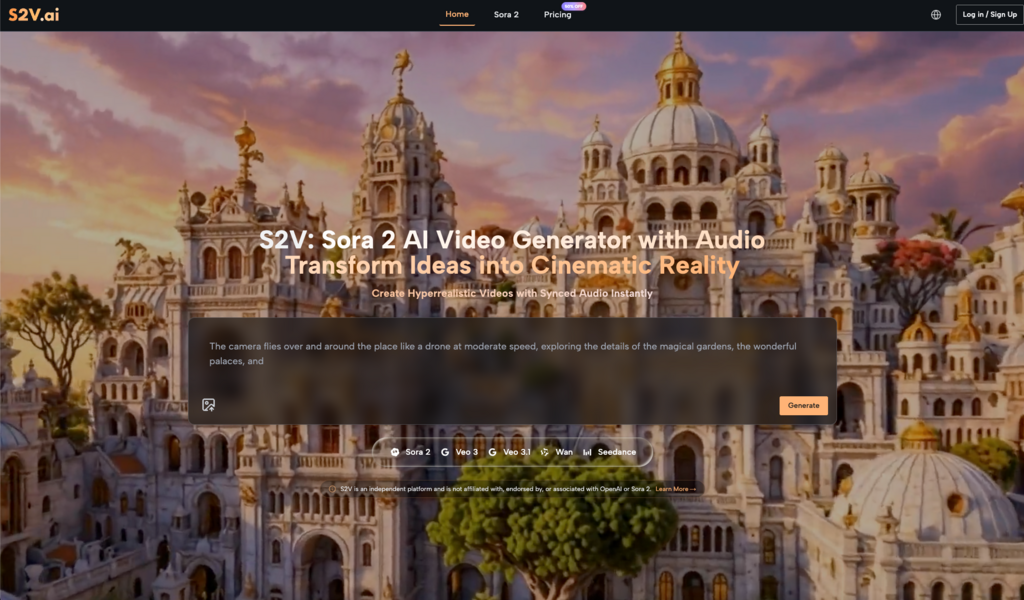
Most people who come to Sora 2 AI already have some experience writing prompts — for image generators, for chatbots, for copy tools. That experience creates a false sense of readiness. Because video prompting isn’t the same skill. It requires something closer to visual direction: describing spatial relationships, camera movement, lighting quality, pacing, and depth — not just mood or subject matter.
“An energetic product showcase” tells the AI almost nothing useful. “A product slides in from the right against a warm gradient background, camera slowly pushing in, pacing deliberate and calm” — that’s a different conversation entirely.
The gap between describing a feeling and describing a frame
Most beginners write prompts that describe how they want the video to feel. What AI video generation actually responds to is how the video should look, moment by moment.
This isn’t a flaw in the tool. It’s a calibration gap in the user — and once you recognize it, things start clicking. The learning curve isn’t steep, but it does require you to start thinking in visual grammar rather than marketing language. With Sora 2, that shift tends to produce noticeably better results within a handful of sessions.
Audio Integration Is More Central Than Most People Expect
When evaluating AI video tools, most people lead with visual quality. That’s understandable — it’s the most immediately obvious dimension. But in practice, audio is often the variable that makes or breaks the final output.
A visually competent AI-generated clip paired with tonally mismatched music or clunky sound effects loses most of its impact. The inverse is equally true: when the audio and visual rhythm genuinely align, even a relatively simple scene carries real weight.
Sora 2 AI Video approaches this by treating audio as part of the generation process rather than a post-production layer you bolt on afterward. In practical terms, that means thinking about sound while you’re conceptualizing the video — not as a separate step. For creators who’ve always worked in a “picture first, audio later” workflow, this requires a small but meaningful mental adjustment.
The upside is real, though. Fewer tools to juggle. Less time spent hunting for sound effects on a separate platform, downloading files, and manually syncing timelines. In high-frequency content production — social media teams pushing out weekly video, for instance — that reduction in workflow friction adds up faster than you’d think.
Where AI Video Actually Saves Time (And Where It Doesn’t)
“AI is faster” is true, but only under specific conditions. It’s worth being precise about this.
Based on observed usage patterns, Sora 2 AI tends to deliver the clearest efficiency gains in these scenarios:
- Concept visualization before full production: When you need to show a client or internal team what a video direction looks like — before committing budget to a full shoot — AI-generated drafts communicate visual intent quickly and cheaply.
- Short-form social content: 15 to 30-second clips have relatively low narrative complexity requirements but high demand for visual freshness. AI tools perform most consistently in this length range.
- Repeatable branded content: Once you’ve dialed in a prompt template that reliably produces on-brand output, the marginal cost of each subsequent video drops significantly.
- Animating static assets: Turning existing product photography or brand imagery into motion content is one of the most common entry points for ecommerce teams — and one of the more straightforward use cases for Sora 2.
Where AI video still requires heavy human judgment: anything with a precise narrative arc, emotional pacing, or storytelling structure that needs to land just right. This isn’t a technology limitation so much as a creative control issue. The output granularity isn’t there yet for that kind of work.
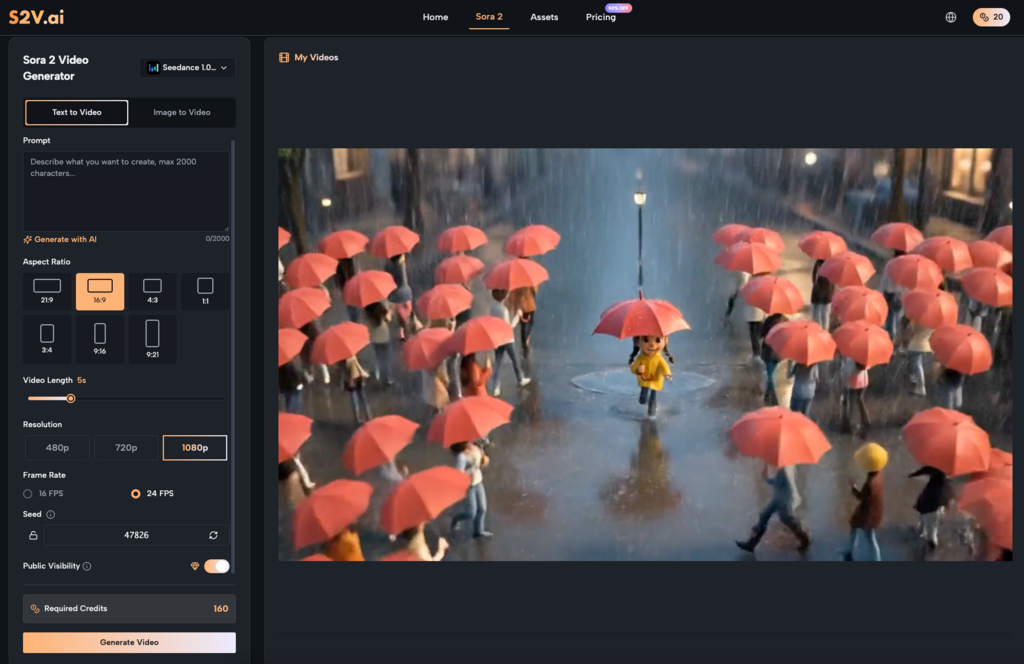
Iteration Is the Workflow, Not a Sign Something Went Wrong
A lot of first-time users arrive expecting a one-shot output they can use immediately. That expectation isn’t unreasonable — it’s what the marketing language around these tools often implies. But it sets people up for unnecessary frustration.
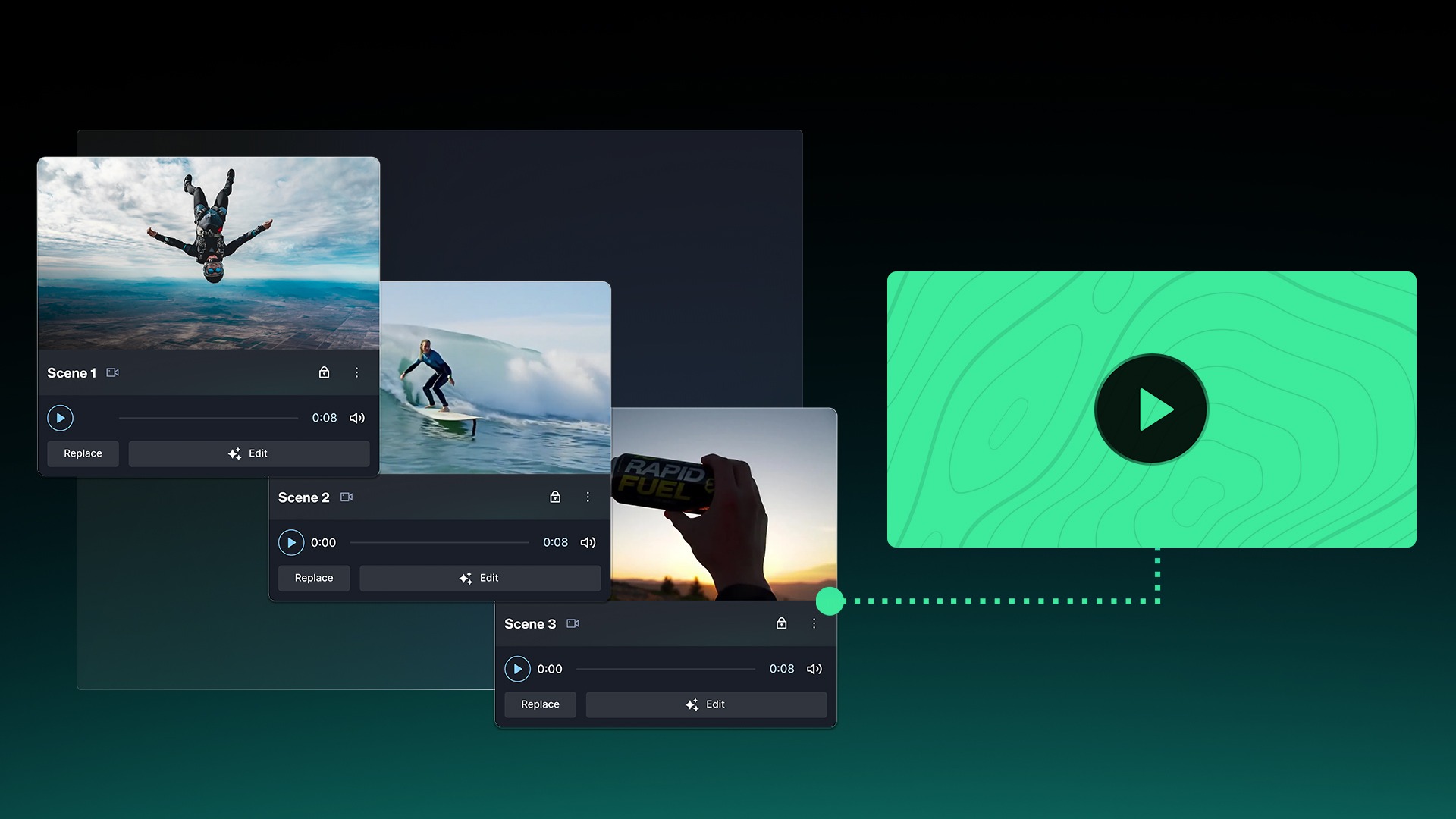
The realistic working rhythm with Sora 2 AI Video looks more like visual drafting: generate a version, observe what’s off, refine the description, generate again. Three to five rounds to reach something genuinely usable is normal, not a failure state.
Once you internalize that, the whole experience changes. You stop evaluating each output as a final product and start treating it as a draft that tells you something about what to adjust next.
Build a prompt library early
One habit that pays off quickly and gets overlooked by most beginners: save the prompts that work.
As your usage accumulates, you’ll start recognizing which descriptive patterns reliably produce the visual style you’re after, which phrasing combinations Sora 2 responds to with particular consistency, and which structural approaches translate well across different content types. That collection becomes a creative asset in its own right — a working vocabulary for AI-assisted visual production that’s specific to how you work.
What Your Workflow Looks Like After a Month
It’s worth thinking about this in advance, because it helps you set expectations that are actually useful.
The first week is mostly exploration. Output efficiency probably won’t exceed your previous workflow. That’s fine — you’re building mental models, not deliverables.
By the second week, you’ll have identified two or three use cases where Sora 2 AI consistently delivers value. Prompt habits start forming. The iteration loop gets faster because you’re no longer guessing from scratch each time.
By weeks three and four, something more interesting tends to happen. You start planning content with AI generation in mind from the beginning — shaping ideas during the concepting phase based on what translates well to this medium, rather than retrofitting existing ideas into the tool.
That’s the actual long-term shift. Not “AI makes videos for you,” but “you start thinking about video content differently because of how AI makes videos.” The creative logic changes, and with it, the range of what feels feasible to attempt.
Adapting to a new tool is rarely linear. Some people find their rhythm after three sessions. Others take longer. But for creators willing to treat Sora 2 as a collaborator that requires calibration — rather than a machine that should work perfectly on the first try — the adaptation period tends to be genuinely worth it.