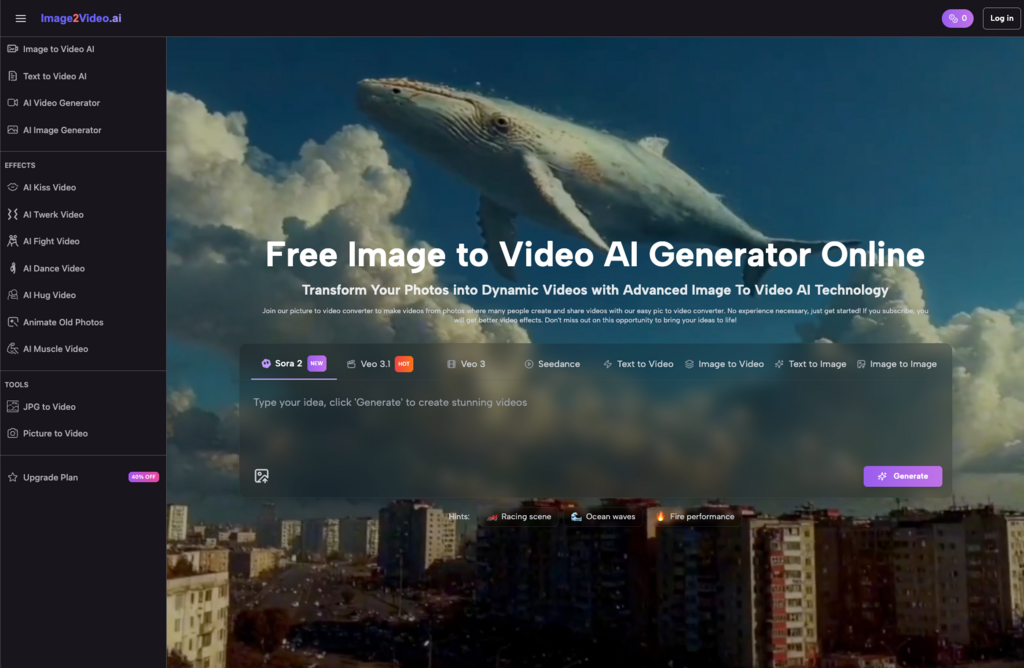
Most people don’t discover Image to Video AI tools through a tutorial or a product demo. They find them because they have a photo that’s too good to post as just a still.
That’s a small motivation — almost embarrassingly simple. But it’s the real reason most creators start exploring photo to video workflows. Not a strategic content pivot, not a budget reallocation. Just one image they wanted to see breathe.
What follows are observations about what actually happens when people start using these tools — the cognitive shifts, the workflow friction, and the things nobody mentions upfront.
The First Week: Where Expectations Quietly Collide With Reality
Almost everyone uploads their first image with a mental reference point — a cinematic shot they once saw, a short video that stopped their scroll. The gap between that reference and the actual output is where most early frustration lives.
That gap isn’t a malfunction. It’s a misunderstanding of what image to video generation actually does.
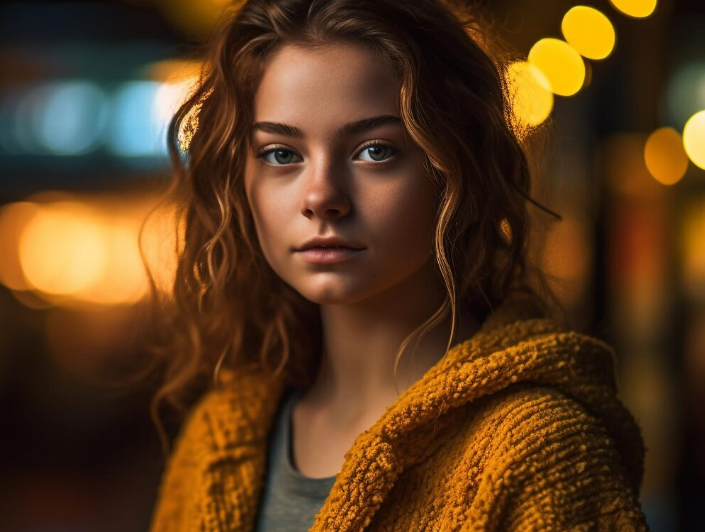
A portrait might show hair lifting slightly, eyes shifting with subtle life. Smooth, even impressive — but not the dramatic, film-quality motion you imagined. A landscape might animate the clouds and ripple the water, but if the original light was flat, the video will be flat too. AI doesn’t add drama that wasn’t already there.
The Input Is the Real Variable
This is the most consistently overlooked lesson in week one: the quality of your photo to video AI output is largely determined by the quality of what you put in.
- Clean composition with a clear subject gives the model something to work with
- Dense, cluttered backgrounds tend to produce edge artifacts and unstable motion
- Low-resolution images will look worse in motion than they did as stills
This isn’t a flaw in the tool. It’s the logic of how AI motion generation works — the model is inferring which elements should move and how, and that inference depends entirely on the visual information the image provides. Richer input, more coherent output.
Week Two: Learning What Prompts Can and Can’t Do
Many image to video tools let you describe the motion you want — “slow camera push,” “wind moving through the grass,” “gentle zoom toward the subject.” First-time users tend to write these prompts the way they’d direct a human editor: specific, detailed, almost cinematic in language.
The results are often confusing. The relationship between what you wrote and what got generated feels loose, sometimes arbitrary.
Here’s the reframe that actually helps: prompts in an image-to-video workflow are directional nudges, not precise instructions. You can influence the tendency of the motion. You can’t script it frame by frame.
I spent an embarrassing amount of time in this phase trying to refine the same prompt rather than reframe it. The more effective habit turned out to be: generate first, observe the result, then adjust the angle of the description — not the specificity of it. Asking for “a slow drift” often worked better than asking for “a 2-second leftward pan starting from the bottom edge.”
It’s a different creative language. It takes a little time to learn, but it does click.
Which Content Actually Belongs in This Workflow
Not every image is worth animating. Developing the judgment to know the difference is itself a skill — and one of the more useful things this kind of tool teaches you.
After enough experimentation, a few content categories tend to show consistent results with photo to video AI:
- Natural environments and atmospheric scenes
Sky, water, light, foliage — these elements have inherent motion logic that AI handles well. Clouds drift. Water shimmers. The outputs are usually the most stable, and the most immediately usable.
- Portraits with expressive potential
A slight shift in gaze, a breath of movement in the hair — these small animations tend to outperform static images on attention-driven platforms. The catch: the original photo needs to be sharp, well-lit, and clearly focused. Soft originals produce soft (and often unsettling) animations.
- Product and object visuals for lean teams
For small operations that need motion content without a production budget, converting product photography into short video clips is a genuinely practical option. The output won’t match a professional shoot, but for certain placements — social ads, story formats, email headers — it can be more than sufficient.
Where this workflow struggles:
- Content that requires precise narrative timing or synced dialogue
- Multi-shot sequences or anything needing editorial cuts
- Brand-critical materials where visual consistency is non-negotiable
What Actually Gets Easier — and Why It Matters
When people evaluate AI tools, they usually ask whether the output quality improved. That’s a reasonable question, but it misses where the real value tends to accumulate.
After using image to video tools consistently, the efficiency gain that shows up most clearly isn’t in the final product. It’s in the decision to start.
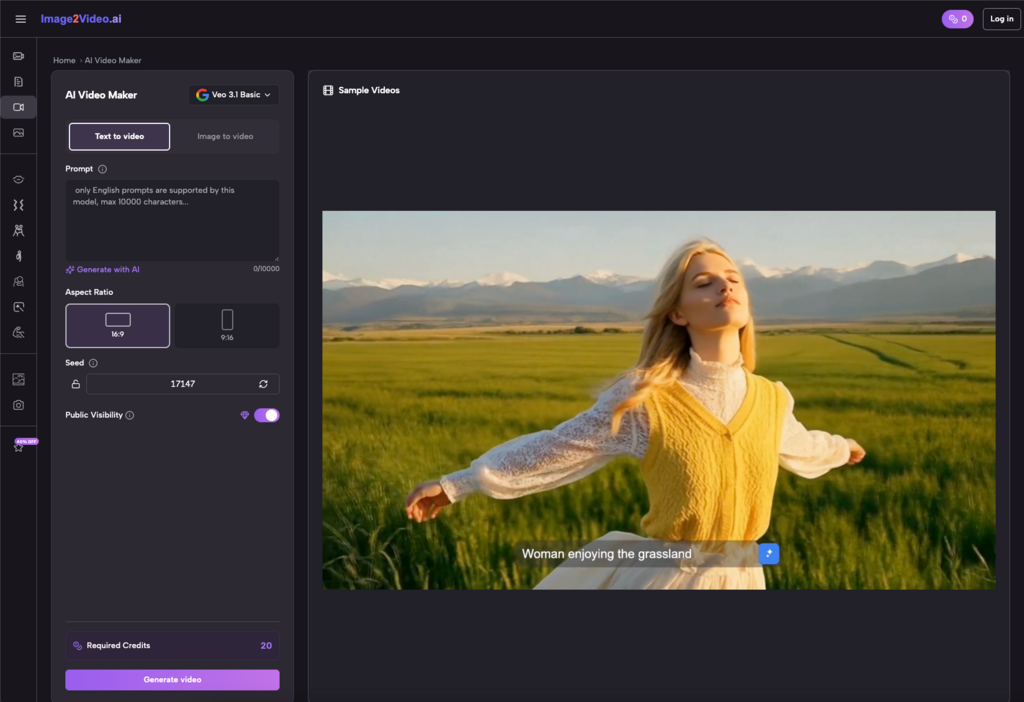
Before, turning a photo into a video meant opening editing software, sourcing music, setting keyframes — a process with enough friction that you’d only do it when the stakes felt worth it. With an AI-assisted photo to video workflow, the whole loop — upload, generate, review — can close in minutes. That changes the psychology of experimentation entirely.
Lower friction means more attempts. More attempts build faster intuition. And faster intuition compounds in ways that are hard to trace back to any single session.
There’s also an unexpected perceptual shift. Before using these tools, I had almost no instinct for which images had motion potential. After a few weeks of regular use, I started noticing it while shooting — framing shots with animation in mind, thinking about depth and light differently. That kind of cognitive transfer is the kind of benefit that doesn’t show up in any feature list.
An Honest Framework for Deciding If This Belongs in Your Workflow
If you’re weighing whether image to video AI is worth integrating into how you work, these questions are more useful than any feature comparison:
- How much static content are you sitting on?
If your archive is full of images that never got used, or got posted once and forgotten, this workflow has compounding value. You’re not just making new content — you’re activating what you already have.
- Do your publishing channels reward video?
If you’re primarily active on platforms that weight video in their distribution algorithms, converting images to video isn’t just a visual upgrade — it’s a reach decision.
- How much unpredictability can your workflow absorb?
AI-generated motion has inherent randomness. If your work demands tight visual consistency, that variability will create friction. If you’re in exploration mode, the same randomness occasionally produces something better than what you planned.
- Are you willing to invest two weeks of awkward results?
The first several sessions are almost always the least efficient. If you try the tool twice and walk away, you’ve formed an impression, not a judgment. The workflow only starts to pay off once you’ve built enough pattern recognition to make informed choices about inputs, prompts, and what to keep.
AI image to video tools occupy an interesting middle ground right now — practical enough to earn a place in real workflows, but not yet polished enough to run on autopilot.
That gap is exactly where the interesting work happens.