The last six months have turned AI image generation into a sprawling, noisy marketplace. Every week a new site promises studio-quality results, but the moment you land on half of them you are dodging flashing upgrade buttons, autoplay tutorial videos, and sidebar ads for unrelated AI writing tools. I spent a full week running the same brief across several platforms to see which ones actually let me work without fighting the interface. One of the tools I kept returning to in that testing window was an AI Image Maker that felt almost suspiciously quiet—no pop-ups, no countdown timers, no banner shouting that I was on a limited free tier. That silence made me pay attention.
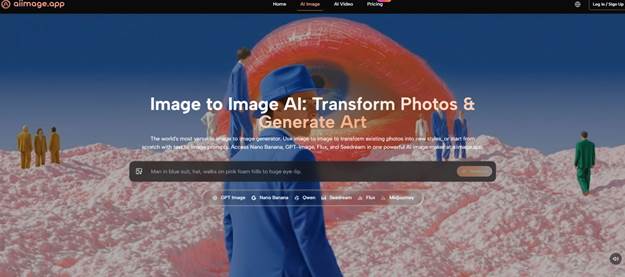
A lot of the AI image services I tried looked generous at first glance. Free credits, a slick onboarding carousel, a demo gallery full of hyper-realistic portraits. But after generating three or four images, the real business model showed up. One platform locked the download button behind a one-minute ad for a VPN. Another throttled the queue so aggressively that I could brew an entire pot of coffee waiting for a 1024×1024 render. A third pasted a semi-transparent watermark over every output until I subscribed, then still sent daily emails trying to upsell me to a team plan. Those small frictions don’t sound catastrophic, but when you are producing assets for a client campaign with a tight turnaround, they turn a 30-minute task into a two-hour exercise in self-control.
What I really needed was a tool that acted like a production utility, not a sales funnel. So I set up a straightforward testing brief: generate product-style hero images for a fictional direct-to-consumer coffee brand, followed by social media carousel variants and a few abstract lifestyle backgrounds. I measured not just how the images looked but how many steps it took to get a usable file, how often the tool tried to redirect my attention, and whether I could trust the same interface to behave identically the next morning. I ran this on six platforms side by side: Midjourney, DALL·E via ChatGPT, Leonardo AI, Canva AI, Freepik AI, and ToImage AI.
Midjourney still produces some of the most painterly, emotionally resonant images I’ve seen from any model. Its latest version handles lighting and texture in a way that makes product mockups look like editorial photography. The downside is that I had to live inside Discord, scroll past dozens of other users’ prompts, and memorize parameter syntax just to control aspect ratio. For fast, repeatable client work, that context-switching wore me out by day two. DALL·E, accessed through ChatGPT, offered the smoothest prompt refinement loop because I could just chat with it, but the outputs sometimes felt over-processed, with a slightly plastic finish that needed post-editing. Leonardo AI gave me a generous free tier and a decent selection of fine-tuned models, though the interface nudged me toward its premium alchemy pipeline every few generations. Canva AI was the most convenient because it sits where a lot of marketing teams already design, but the generation quality varied so much that I often had to run four or five attempts to get one acceptable layout. Freepik AI produced surprisingly crisp results for certain illustration styles, yet the surrounding page was so dense with stock photo thumbnails and premium indicators that I accidentally clicked on ads twice in one session.
Around the middle of my testing week I began leaning on ToImage AI for the bulk of the daily output, not because it blew every competitor away in image fidelity but because it removed the mental overhead. The site loads straight into a text prompt box and a model selector. No tutorial wizard, no upsell carousel. When I wanted to see if a more structured model could handle detailed product composition, I spent a full afternoon generating with GPT Image 2 inside ToImage AI. That model consistently placed objects where I asked, kept brand colors stable across variations, and didn’t hallucinate extra text over the packaging. It wasn’t the most artistic model I tested, but it was the one I trusted to deliver a file that could go straight into a client presentation.
To put some numbers behind the feeling, I scored each platform on a simple ten-point scale across the dimensions that mattered most when I was working on deadline: image quality, generation speed, how clean the ad experience was, how actively the tool seemed to be improving, and interface cleanliness. The table below reflects my logged observations.
| Platform | Image Quality | Generation Speed | Ad Distraction | Update Activity | Interface Cleanliness | Overall Score |
| Midjourney | 9.5 | 7.0 | 9.0 | 8.5 | 6.0 | 8.0 |
| DALL·E (via ChatGPT) | 8.5 | 8.5 | 8.0 | 9.0 | 8.5 | 8.5 |
| Leonardo AI | 8.0 | 7.5 | 6.5 | 8.0 | 7.0 | 7.4 |
| Canva AI | 7.0 | 8.0 | 7.0 | 8.5 | 7.5 | 7.6 |
| Freepik AI | 7.5 | 8.0 | 5.0 | 7.5 | 6.5 | 6.9 |
| ToImage AI | 8.5 | 9.0 | 10.0 | 8.0 | 9.5 | 9.0 |
The “Ad Distraction” column might need a brief explanation: a higher number means fewer interruptions, so a score of 10 means I never saw a single upsell overlay during my testing week. ToImage AI was the only platform that earned a perfect score there, and that alone saved me hours of cumulative irritation. Midjourney also avoids ads, but its Discord-dependent interface felt cluttered in a different way, which is why its Interface Cleanliness score is lower. DALL·E benefits from OpenAI’s rapid iteration and frequent model updates, earning it the highest Update Activity mark. Leonardo AI and Canva AI both have active development cycles, but their interfaces keep shifting things around, occasionally breaking my muscle memory.
What Using ToImage AI Actually Felt Like
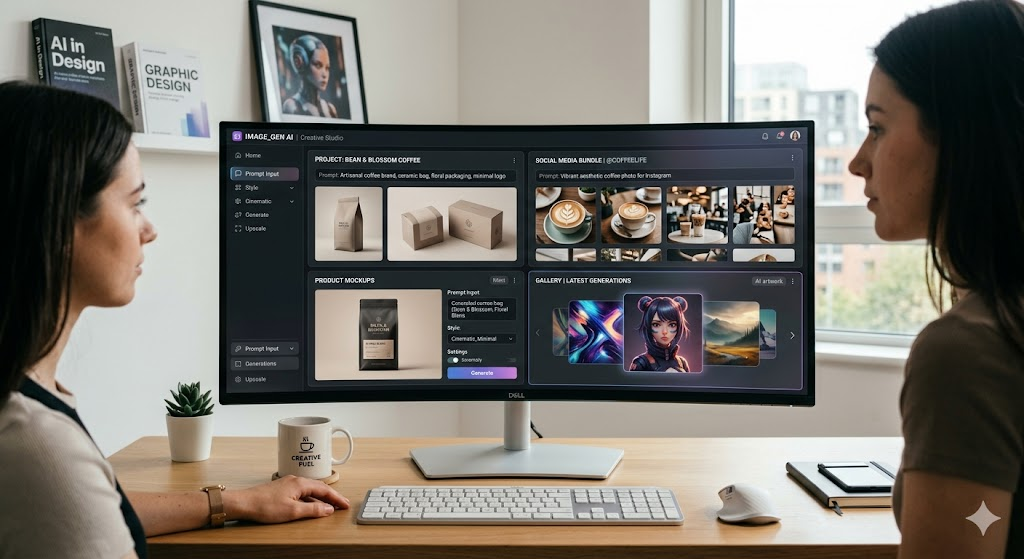
After scoring everything, I stopped measuring and just used ToImage AI for the remaining campaign assets. The dashboard doesn’t try to educate you into a power user on day one. There is a prompt field, a dropdown of available AI models, and a gallery of your previous generations. That’s it. When I uploaded an existing product shot to try the image transformation route, the tool took that photo and reinterpreted it across different style presets in under 15 seconds. I ended up with four variations—one that looked like a gouache illustration, another that pushed the lighting toward golden hour, and two more that kept the original composition but swapped the background context entirely. None of them had a watermark, which the site’s commercial rights page confirmed explicitly: generated images carry full commercial usage rights.
The model I used most was GPT Image 2, partly because it respected the prompt structure I had settled into. I learned to write prompts as a set of stacked instructions: subject first, then material and lighting cues, then background and mood, and finally a note about composition framing. GPT Image 2 followed that hierarchy more predictably than the other models, which sometimes mixed the order and gave me a beautiful background with a half-rendered subject. The video generation feature, which I tested briefly by feeding it a still lifestyle image, produced a gentle dolly zoom effect with realistic light shifts. It wasn’t ready for a broadcast spot, but it worked as a social media motion asset.
The Model Selection Moment
One detail I appreciated was that ToImage AI doesn’t hide its model versions behind a single brand wrapper. When you open the model dropdown, you see a short list that includes GPT Image 2, a couple of video-capable options, and other specialized image models. That transparency made it easier to isolate what was causing a change in output quality. If a generation came out soft, I could switch to a higher-detail model instead of blindly tweaking the prompt. That kind of control feels closer to how photographers switch lenses than how most AI tools hide complexity.
The Onboarding and Daily Workflow
The workflow I settled into had three steps, which I can describe from memory because I repeated it dozens of times. First, I typed a detailed prompt describing the subject, composition, style, and desired mood. Second, I selected an image generation model from the available list, usually GPT Image 2 for structured product work or one of the more stylized options when I needed an editorial look. Third, I hit generate, reviewed the result, and hit download. The image immediately saved to the session gallery, so I could retrieve it later without regenerating. That history management was a quiet but meaningful time-saver, especially on days when a client asked me to revisit a design from two days earlier.
Where ToImage AI Falls Short and Who It’s For
No tool is equally strong everywhere. If my primary need was fine-art caliber surrealism, Midjourney would still be my first stop. ToImage AI’s outputs skew toward commercial polish, which works beautifully for social ads, ecommerce hero images, pitch decks, and blog illustrations, but the platform does not yet offer the same painterly nuance that a dedicated artistic model can achieve. The video generation, while functional, is best viewed as a bonus rather than a core production feature. The platform also lacks advanced image editing controls like inpainting or outpainting that some competitors are beginning to roll out.
The audience I would point toward ToImage AI is any creator, marketing generalist, or small agency owner who needs to produce clean, commercially safe images day after day without negotiating with pop-ups. It suits people who value predictability, who get annoyed when a tool wastes their attention, and who want to own the rights to everything they generate without reading a 14-page terms document. It may not be the tool for someone chasing the most avant-garde aesthetic, but for the practical, deadline-driven visual work that pays the bills, it earned its place on my bookmark bar.
After a Week of Stress-Testing, What I Actually Changed
By the final day of testing, I had quietly moved my default image generation tab from a cluttered freemium site to ToImage AI. The shift wasn’t dramatic no single moment of revelation but I noticed I was finishing client drafts faster and with less lingering frustration. When the tools stop getting in the way, the work itself becomes lighter. That’s the real test of any creative utility, and it’s why my notes on ToImage AI ended up circling the same word again and again: clean.